Product Intro
Official License
Email-based Activation
AutoCAD License – Windows / Mac (2018–2026). Assign to your own email.
RM — / year (placeholder)
- Genuine license via Autodesk account
- Multi‑device support (Win/Mac/iPad)
- Local language onboarding
Tip: Replace the image and links above with your real product thumbnail and purchase/chat links.
Step 1: Open the login page and sign in
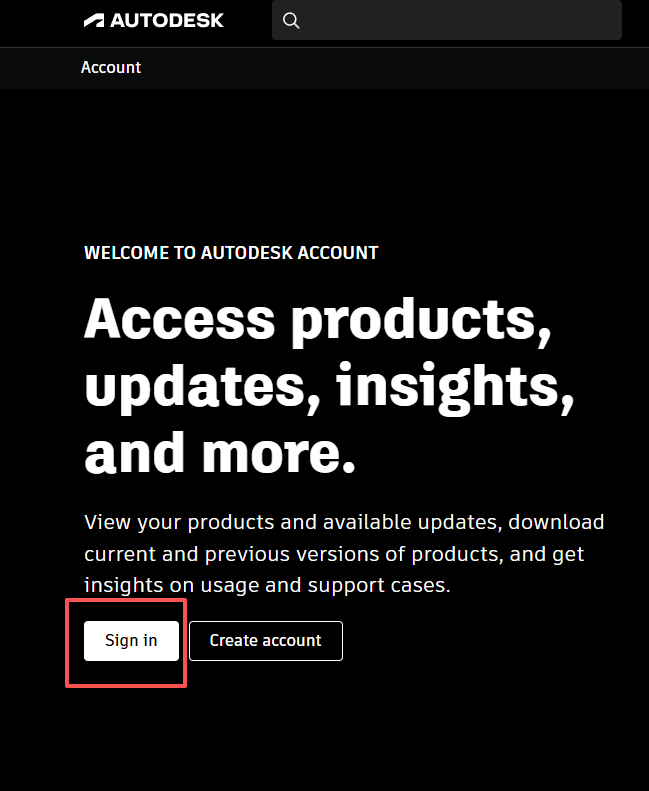
2
Enter your credentials
Type your Autodesk ID (email) and password to sign in.
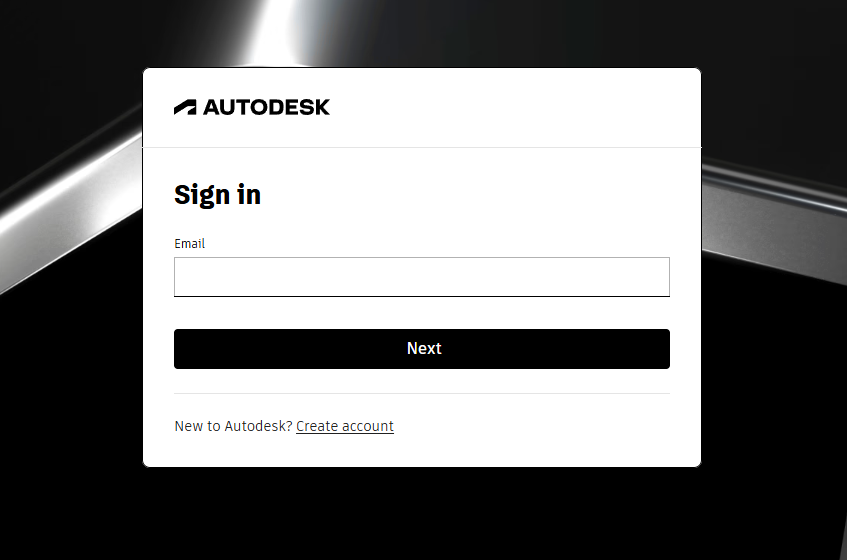
Tip: Enterprise users may be redirected to a Single Sign-On (SSO) page.
Step 2: View your email address in Profile
3
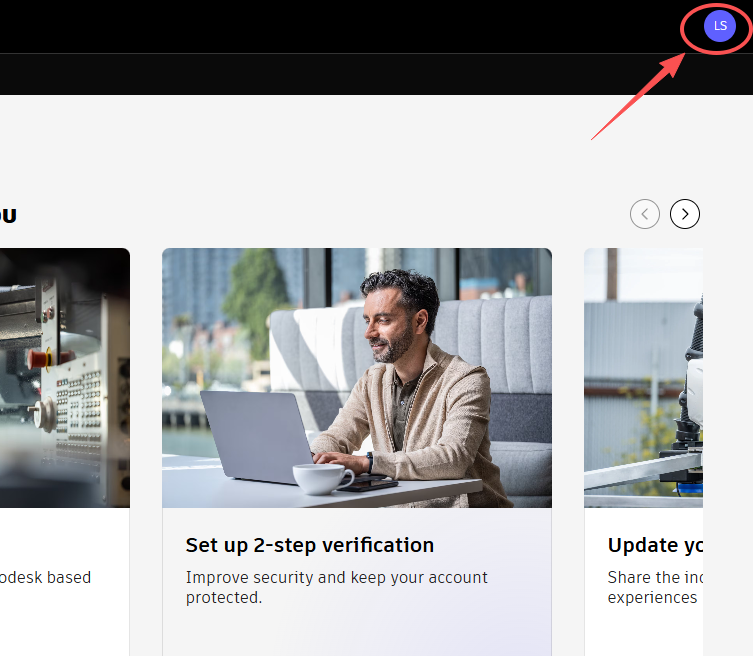
Open Profile
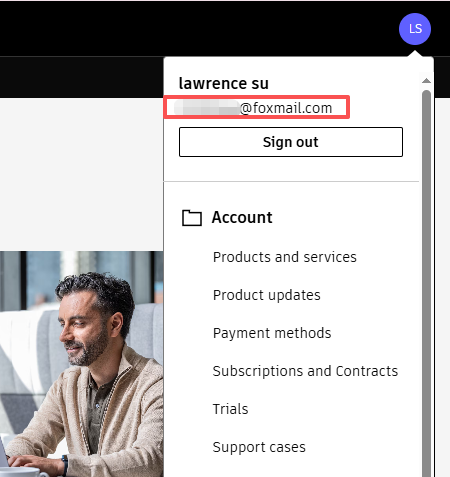
Click your avatar in the top-right corner → select Manage Account or Profile.
4
Check your registered email
On the Profile page, find the Email field. This is the email address linked to your Autodesk ID.
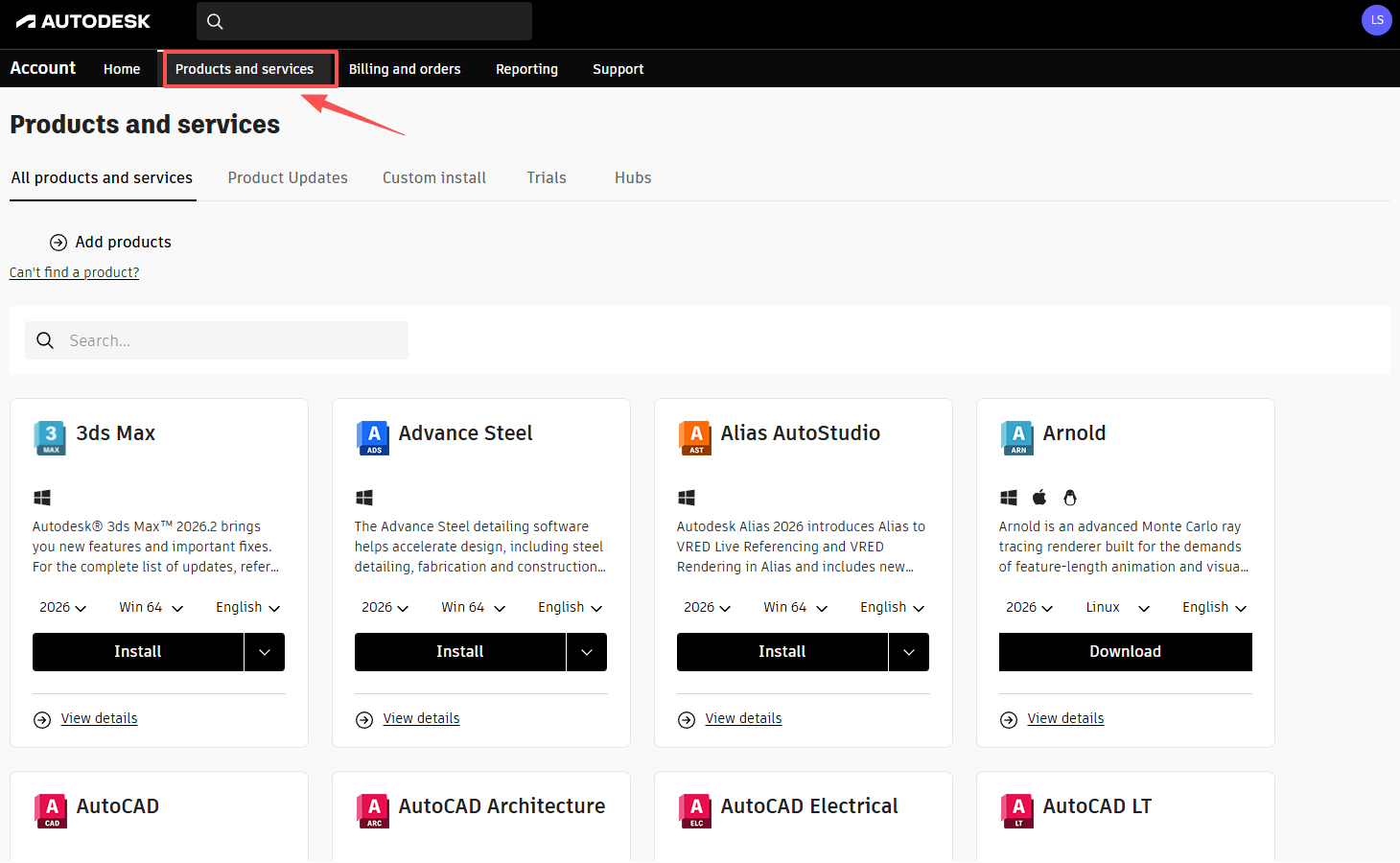
Tip: After successful activation, re-logging in will show the authorized programs in Products and Services.
Important: Never share your password or verification codes. Always ensure the domain is
autodesk.com to avoid phishing.